Token deactivation
A new step in securing your online transactions
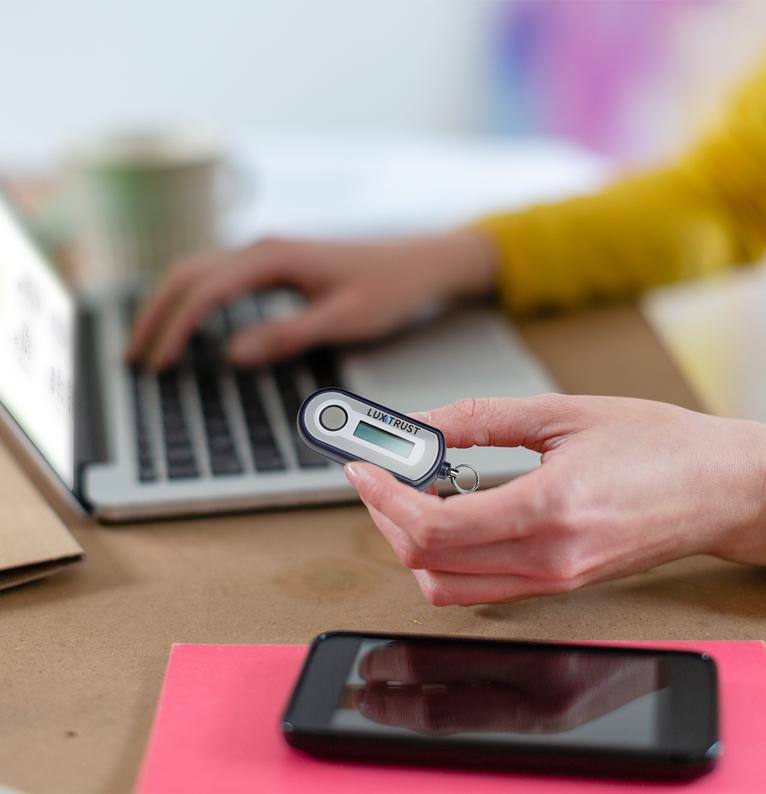
To meet increasing security requirements, the LuxTrust Token was deactivated on 31 December 2024. With all the technological and security developments, we are constantly reviewing our systems and devices to better protect our users and anticipate future challenges.
This change is part of our ongoing commitment to protect and secure your data in an ever-evolving digital world.
Questions & answers
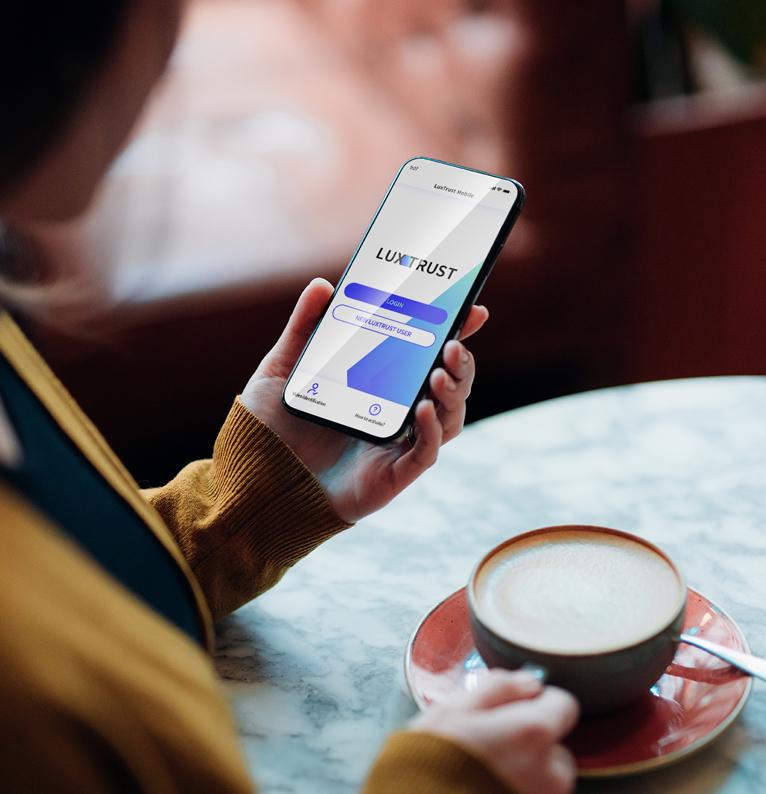
The LuxTrust Mobile app enables users to view the context of a transaction, whether it is a connection, a financial transaction or an online payment. Specifically, users can see the amount and beneficiary in the case of a transaction, or the name of the document in the case of an e-signature. This means that they can recheck what they are about to validate, sign or accept, before validating it. It is not possible to display this information on the screen of a Token, it is thus necessary to replace it.
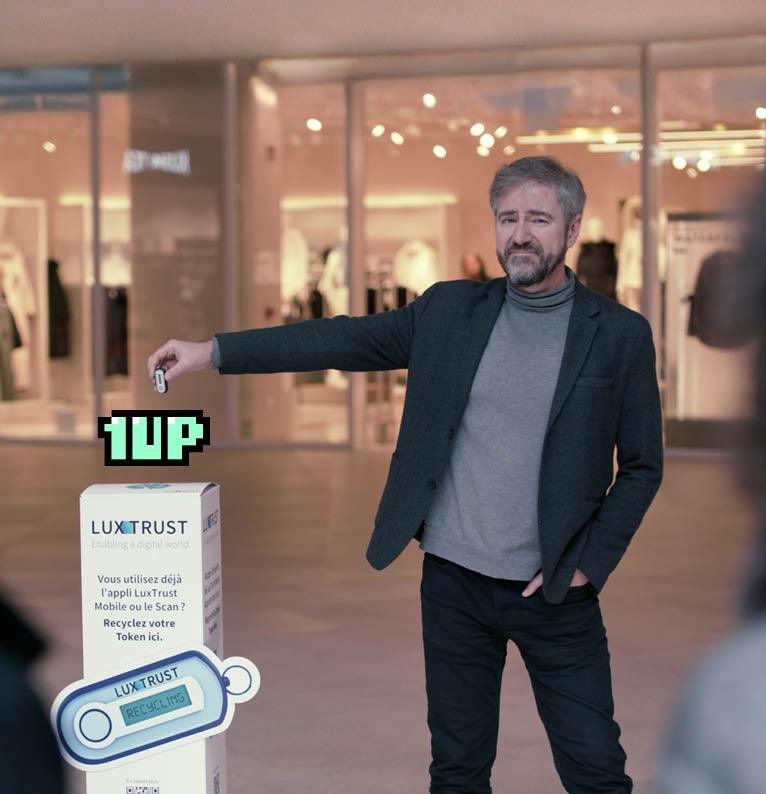
As the Token contains a battery, it should not be disposed of in a regular waste bin. For this reason, we launched a collection and recycling campaign, which ended on 31 December 2025. You can still drop off your old, deactivated Token:
- at the Resources Centres of your commune. Click here to consult the list.
- in the SuperDrecksKëscht collection boxes in various shopping centres. Click here to consult the list.
- at our premises: IVY Building, 13-15 Parc d'Activités, L-8308 Capellen, Luxembourg.
The Tokens are collected and transported to a sorting centre (Lamesch). In the dismantling hall, they are placed on a 'separation line' to separate the battery from the electronic and plastic components. Each component is then sent to other specialised treatment centres, depending on the type of waste.
Please wait a bit longer as it can take up to 6 hours to receive the SMS with the association link. If after this period, you still have not received it, please contact our Customer Care on +352 24 550 550.
Please contact our Customer Care by phone on +352 24 550 550 or by e-mail at questions@luxtrust.lu.
The LuxTrust Mobile app allows you to log in and validate payments and transactions even from a computer.
On your computer, enter your usual LuxTrust credentials (User ID and password). Then simply accept the LuxTrust Mobile notification displayed on your smartphone to log in or validate your transactions.
Only one LuxTrust Mobile app can be installed and activated on the same smartphone.